I Built a Free SaaS Starter Template — Here's Everything Inside
Niya SaaS Template is a production-ready, open-source Next.js 15 starter kit with Supabase auth, Zustand, React Query, Magic UI animations, and clean architecture. Built for developers and AI startups who want to ship fast.
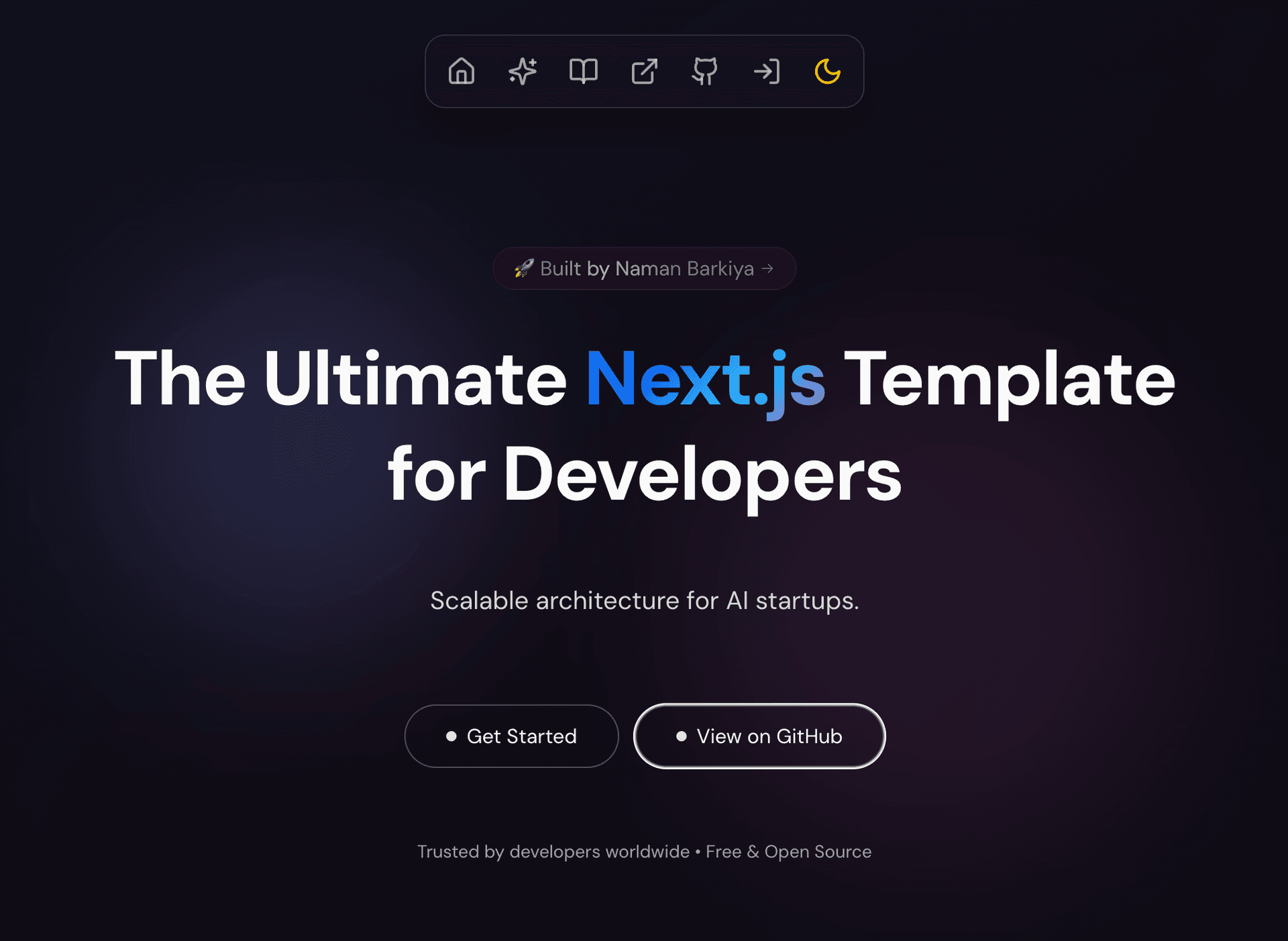
Every time I started a new SaaS project, I spent the first 2 weeks on the same boilerplate: auth flow, dashboard layout, state management setup, form validation, dark mode toggle. Two weeks of zero product work, every single time.
So I extracted all of it into Niya — a free, open-source SaaS starter template that gives you a production-ready foundation in minutes, not weeks. It already has 32 stars on GitHub and developers are using it for AI dashboards, admin panels, and MVP launches.
Repo: github.com/namanbarkiya/niya-saas-template
What's Inside
Niya isn't a landing page template. It's a full-stack application foundation with everything wired together and working out of the box.
The Tech Stack
| Layer | Technology | Why |
|---|---|---|
| Framework | Next.js 15 + App Router | Server components, streaming, Turbopack |
| Auth | Supabase Auth | Email/password, OAuth, magic links, MFA-ready |
| Database | Supabase (Postgres) | Real-time subscriptions, Row Level Security |
| Styling | Tailwind CSS 4 | Latest version, utility-first, zero dead CSS |
| State (client) | Zustand | 1KB, no boilerplate, TypeScript-native |
| State (server) | React Query | Caching, background refetch, optimistic updates |
| Validation | Zod | Runtime type checking that mirrors TypeScript |
| Animations | Framer Motion + Magic UI | Smooth transitions, hero animations |
| Forms | React Hook Form + Zod | Zero-re-render forms with type-safe validation |
Auth That Actually Works
This was the non-negotiable. Most starter templates either skip auth entirely or give you a half-baked integration. Niya includes:
- Complete signup + login flows with email confirmation
- Password reset with token-based flow
- Protected routes via middleware — no loading spinners, just instant redirects
- Role-based access control scaffolding
- HttpOnly cookies for secure session persistence
// middleware.ts — this is all the auth routing you need
export async function middleware(req: NextRequest) {
  const session = await getSession(req);

  if (!session && req.nextUrl.pathname.startsWith("/dashboard")) {
    return NextResponse.redirect(new URL("/login", req.url));
  }
}
Dashboard Layout
The template ships with a complete dashboard layout:
- Responsive sidebar with collapsible navigation
- Top header with user avatar, notifications placeholder, and logout
- Content area with breadcrumbs and page transitions
- Dark mode that persists across sessions
State Management Done Right
I see too many starters that either use Context for everything (re-render hell) or skip state management entirely. Niya uses the Zustand + React Query pattern:
// Zustand for UI state (sidebar open, theme, modals)
const useUIStore = create<UIStore>((set) => ({
  sidebarOpen: true,
  toggleSidebar: () => set((s) => ({ sidebarOpen: !s.sidebarOpen })),
}));

// React Query for server state (users, data, API responses)
const { data, isLoading } = useQuery({
  queryKey: ["user-profile"],
  queryFn: () => fetchProfile(),
});
Client state and server state stay cleanly separated. No prop drilling, no cache invalidation bugs.
Project Structure
This is where most templates fall apart — they dump everything into a flat structure and call it "simple." Niya uses a domain-driven structure that scales:
niya-saas-template/
├── app/                  # Next.js 15 App Router
│   ├── api/              # API routes
│   ├── dashboard/        # Protected pages
│   ├── login/            # Auth pages
│   └── signup/           # Registration
├── components/
│   ├── auth/             # Auth-specific components
│   ├── dashboard/        # Dashboard components
│   ├── forms/            # Form components
│   ├── landing/          # Marketing page components
│   ├── providers/        # Context providers
│   └── ui/               # Base UI primitives
├── lib/
│   ├── hooks/            # Custom React hooks
│   ├── query/            # React Query config
│   ├── store/            # Zustand stores
│   ├── supabase/         # Supabase client
│   ├── utils/            # Utility functions
│   └── validations/      # Zod schemas
└── public/               # Static assets
Every folder has a clear responsibility. When you need to add a feature (say, a billing page) you know exactly where every piece goes.
Who Is This For?
Developers
- Rapid prototyping — clone, configure env, run. You have a working app in 3 minutes.
- Learning resource — study how to wire up Supabase, Zustand, and React Query together.
- Side projects — skip the boilerplate and go straight to building your idea.
AI Startups
- AI dashboard frontend — the dashboard layout is tailor-made for displaying AI model outputs, chat interfaces, or data visualizations.
- Real-time features — Supabase subscriptions are built in for live data updates.
- Scalable architecture — the pattern grows from MVP to production without rewrites.
Teams
- Consistent codebase — everyone follows the same patterns from day one.
- Type safety — strict TypeScript catches integration bugs at compile time.
- Deployment-ready — optimized for Vercel with one-click deploy.
What I'd Add Next
Some features I'm actively building or considering based on community feedback:
- Stripe integration — pricing page + checkout + webhook handling
- Admin panel — user management, feature flags, analytics
- Email templates — transactional emails with React Email
- Multi-tenancy — organization-based isolation with RLS policies
If any of these matter to you — star the repo and open an issue. Community signal drives priority.
Get Started
git clone https://github.com/namanbarkiya/niya-saas-template.git my-app
cd my-app
cp .env.example .env   # add your Supabase credentials
npm install
npm run dev
That's it. You'll have a fully working app with auth, dashboard, dark mode, and beautiful UI in under 3 minutes.
Star it if it saves you time: github.com/namanbarkiya/niya-saas-template